Are You Overwhelmed Every Time You Open Canva?
Art and Craft Business Owners -
Create professional marketing graphics without losing half your week to make them.
Watch this 2m video to hear what you'll achieve.
Canva Made Simple!
A BETTER WAY TO WORK
Here's what changes when you have a SYSTEM.
BEFORE
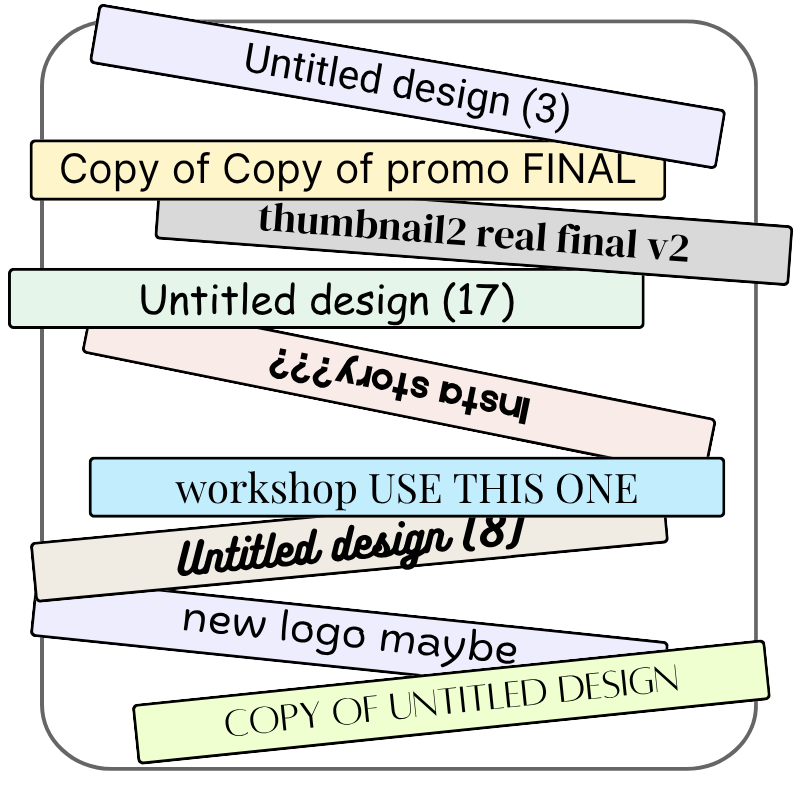
"Which one was the good one again?"
AFTER
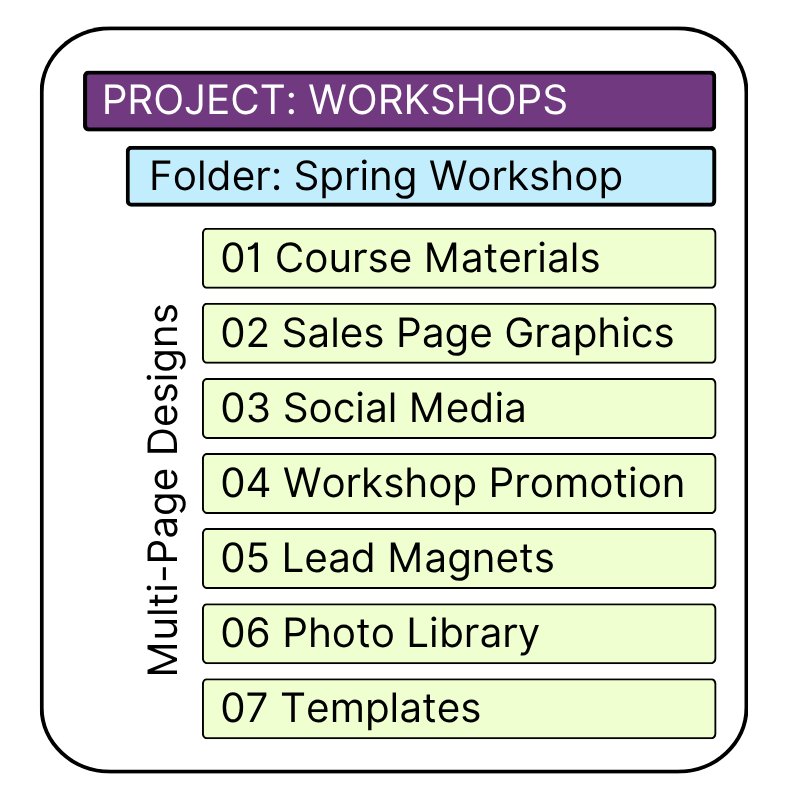
Everything has a home. Find it in seconds.
The problem isn't your creativity, it's that you aren't designing graphics with marketing strategy in mind.
- You open Canva, can't find the tools you need and an hour later you close the tab without making anything
- You've spent hours on a graphic and it still doesn't look like polished or the way you want your brand represented
- Your Canva account is a giant mess of copies and files and you still can't find the one you worked on last week
- You have graphics you like but you don't know if they are actually catching people's attention and getting them to your shop
- You know you need a thumbnail, a story graphic, and a workshop promo but you don't know what a pixel size is or where they go
- You're spending more time creating marketing graphics than on your actual teaching or art and it feels completely backwards
This is for you if…
- You're an artist, maker, crafter, or shop owner who needs graphics that actually work for your business.
- You're tired of spending hours in Canva and still not loving the result.
- Your graphics look inconsistent and you're not sure how to fix it.
- You want to understand why some graphics get clicks and others don't.
- You're ready to build a system instead of reinventing the wheel every single time.
Canva Made Simple
has everything you need to build a visual marketing system that works.
- The Graphic Ecosystem Map that teaches you each kind of marketing graphic
- Checklists and Workflows that help you create an organized space that you can easily navigate
- Plug-and-Play Templates, the right sizes for purposes
- 50+ short, task-specific Canva video tutorials that are continually updated
- Live discussion space to post your work and get feedback
- Lifetime access, evergreen updates
This course just completed its founding beta with 29 students.
Their feedback, questions, and wins shaped every part of what you're getting today.
In This Course You Will ...
01
Learn Practical Canva Skills - 50+ Tutorials
Short, searchable, and organized so you can find exactly what you need.
Work through start to finish or jump to the skill you need right now. No sitting through hours of content before you learn anything useful. When students ask questions that aren't covered yet, new tutorials get added so the course grows with its community instead of going stale.
02
Build an Organized System You'll Actually Use
You're not just learning how to use the software. You're building a system you'll use for years.
Stop losing your work in a sea of untitled designs. You'll build folders, naming systems, and reusable workflows once, then find everything in seconds, forever.
03
Understand Why Graphics Work
Before you touch a tool, you'll understand what each graphic is actually supposed to do and why that matters more than making it look pretty.
Each graphic has a specific purpose for your marketing and teaching. This knowledge is the difference between a graphic that looks nice and one that gets you practical paying customers.
04
Know Exactly Which Image Goes Where
The Graphic Ecosystem Maps show you every graphic your business needs, what size it should be, and exactly where it goes - for social media, course launches, workshop promotions, YouTube, and more.
05
Get Done-For-You Templates - Ready to Customize
Never stare at a blank page again. Start with what already works.
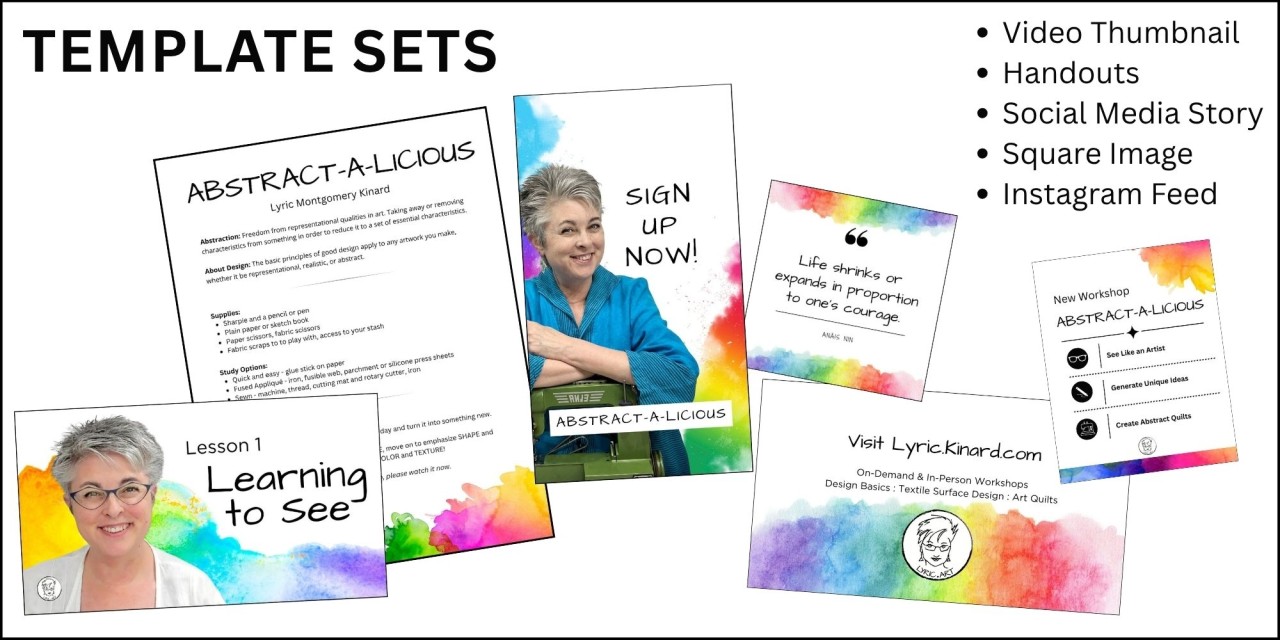
You'll get ready-made templates you can copy, customize, and use immediately. Social media sets, workbook templates, and workshop kits. Learn the exact setups that took years to refine, handed to you on day one. Less building from scratch, more creating.
Start working with templates that save you hours.
√ You build your templates once.
√ You duplicate, swap, and publish.
√ You know exactly which graphic belongs on a landing page versus a social media post versus a YouTube thumbnail - and why.
√ You spend twenty minutes on something that used to take two hours.
You'll find step-by-step tutorials from beginner to advanced.
Every tutorial in Canva Made Simple covers exactly one task.
You watch it when you need it.
You pause, try it yourself, rewind if you need to.
No sitting through hours of content before you learn anything useful.
From chaos to system ✨
No more starting from scratch every time, no more inconsistent branding, no more hours lost trying to find the design you made last week. You have reusable templates and a clear organizational system.
From amateur to intentional ✨
Your graphics stop looking homemade and start looking like you meant every decision. Polished, clear, and recognizably yours. Customers recognize your brand everywhere you show up.
From generic to strategic ✨
You understand why certain graphics get clicks and others don't. You know what a thumbnail needs to do versus what a workshop promo needs to do.
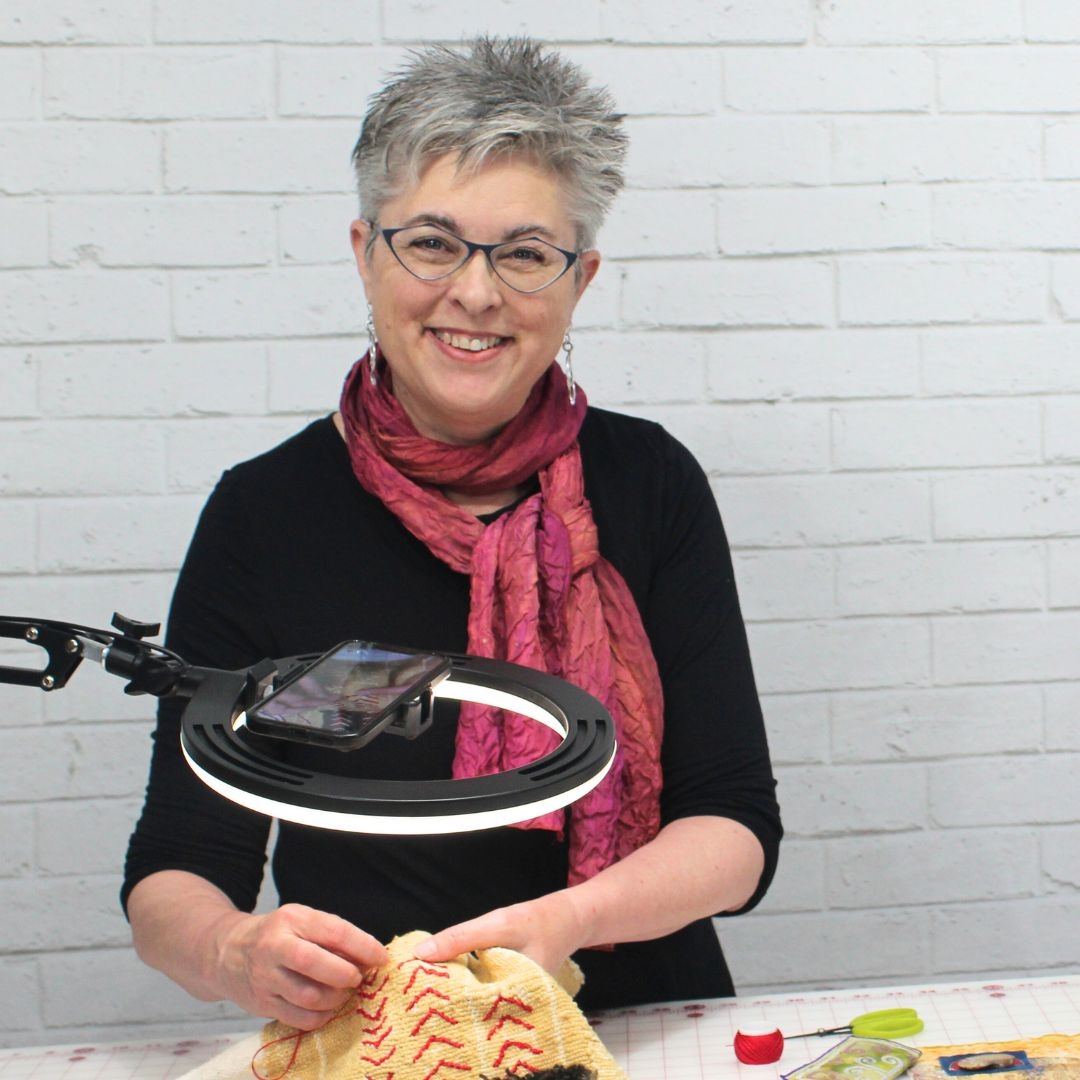
Lyric Montgomery Kinard
Hi, I'm Lyric.
For decades I've taught creative workshops to thousands of students around the world, both in person and online. I'm a working artist, an educator, and the founder of the Academy for Virtual Teaching.
I built Canva Made Simple because I kept seeing the same thing: talented, creative people spending hours making graphics that weren't doing their job. Not because they lacked creativity — but because nobody had ever taught them to think about graphics strategically.
This course isn't about learning software. It's about understanding visual communication well enough to make graphics that work — quickly, consistently, and recognizably yours.
I'll walk you through every skill, one tutorial at a time.
How long does the course take?
That's entirely up to you. Each tutorial is short — most are under ten minutes. You can work through the whole course in a focused weekend or dip in and out as you need specific skills. There are no deadlines and no live sessions to keep up with.
Do I need any Canva experience?
No. The course starts with workspace setup and builds from there. If you've never opened Canva, you'll be fine. If you're already using it regularly, you'll fill gaps and build systems you didn't have before.
Do I need a paid Canva account?
Many of the tutorials work with Canva's free plan. Some features — including Magic Resize and the Brand Kit — require Canva Pro. Where Pro features are used, that's noted clearly.
Is this only for teachers?
No. It's for any entrepreneurial creative who needs graphics for their business — whether that's a teaching business, an Etsy shop, a product-based business, or all three.
What if I have a question that isn't covered?
Ask it in the community. If it's a skill gap, a new tutorial gets added to answer it. The course grows with its students.
How long will I have access?
Lifetime access. Rewatch tutorials, explore new ones as they're added, and come back any time you need a refresher.